Techno
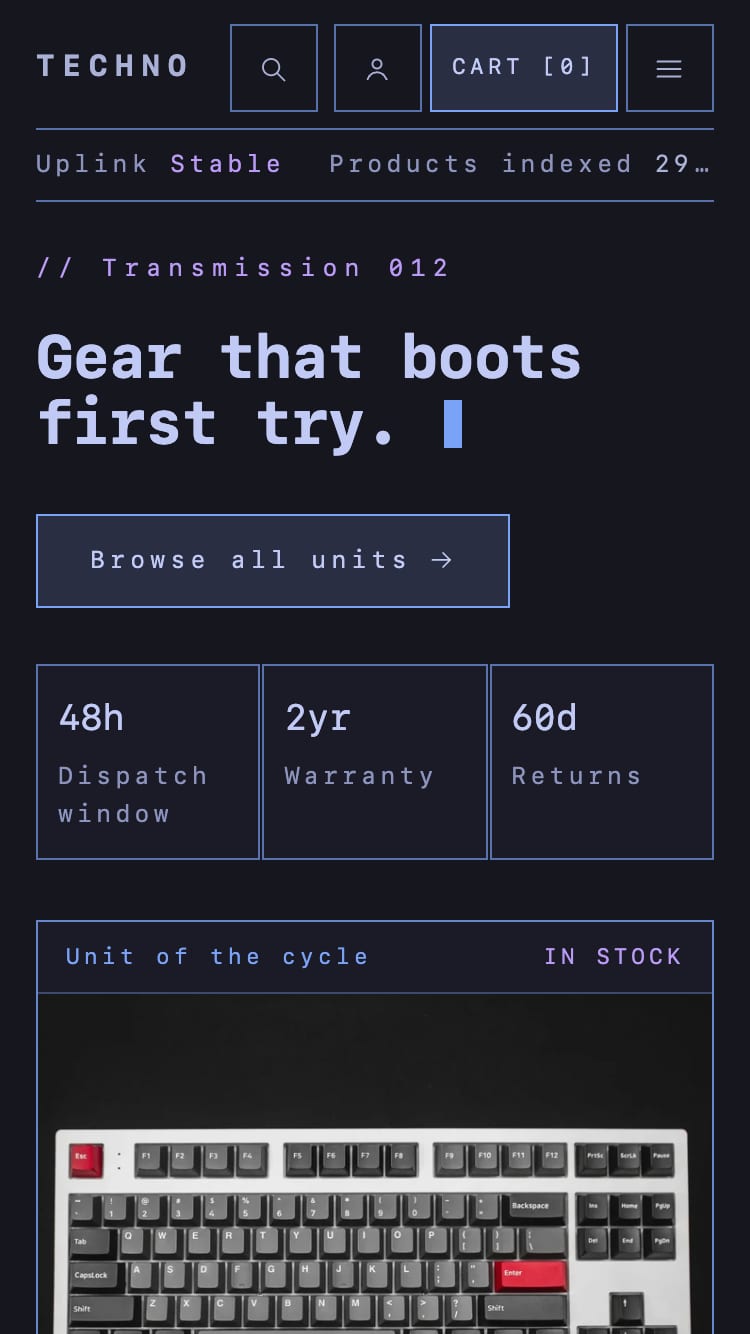
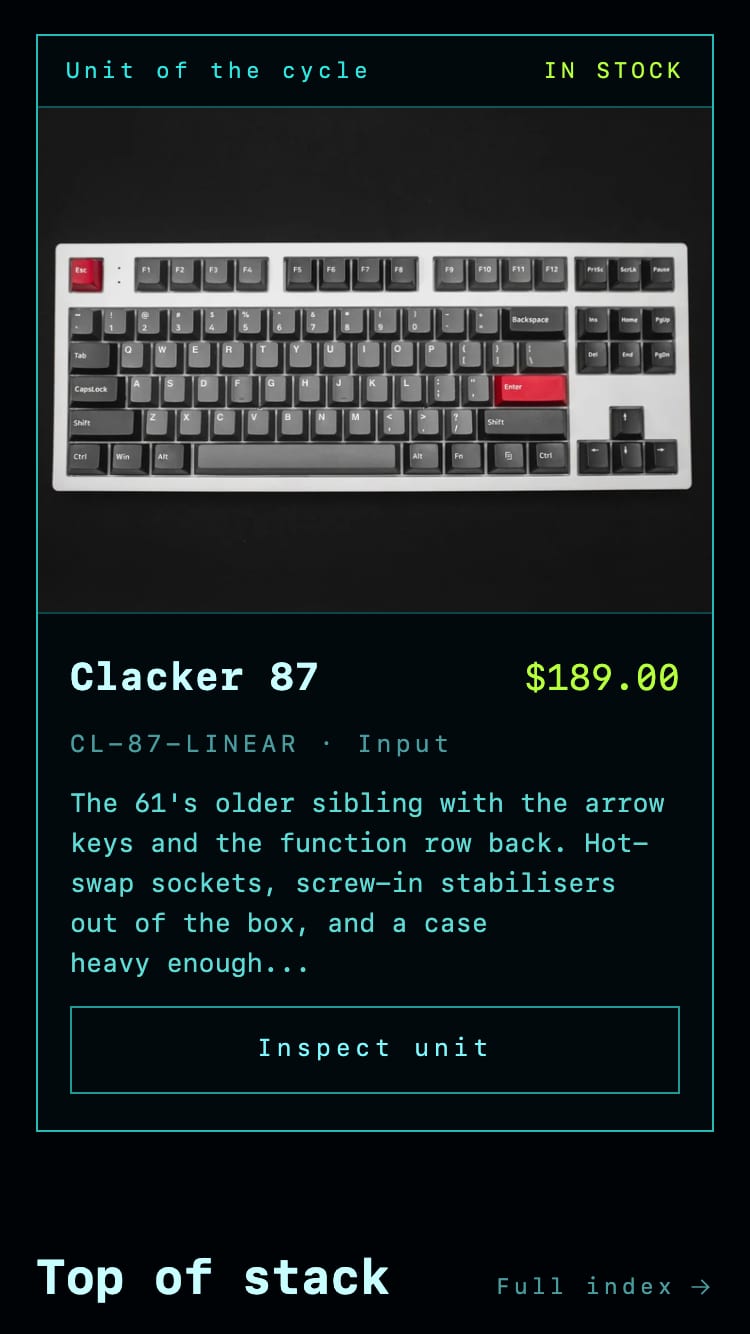
A theme for consumer tech and accessories. The storefront reads as a hardware terminal: bordered panels with a label and a status in the header strip, spaced‑out monospace details, and one accent color kept for prices and stock.
Coming to the Shopify Theme Store
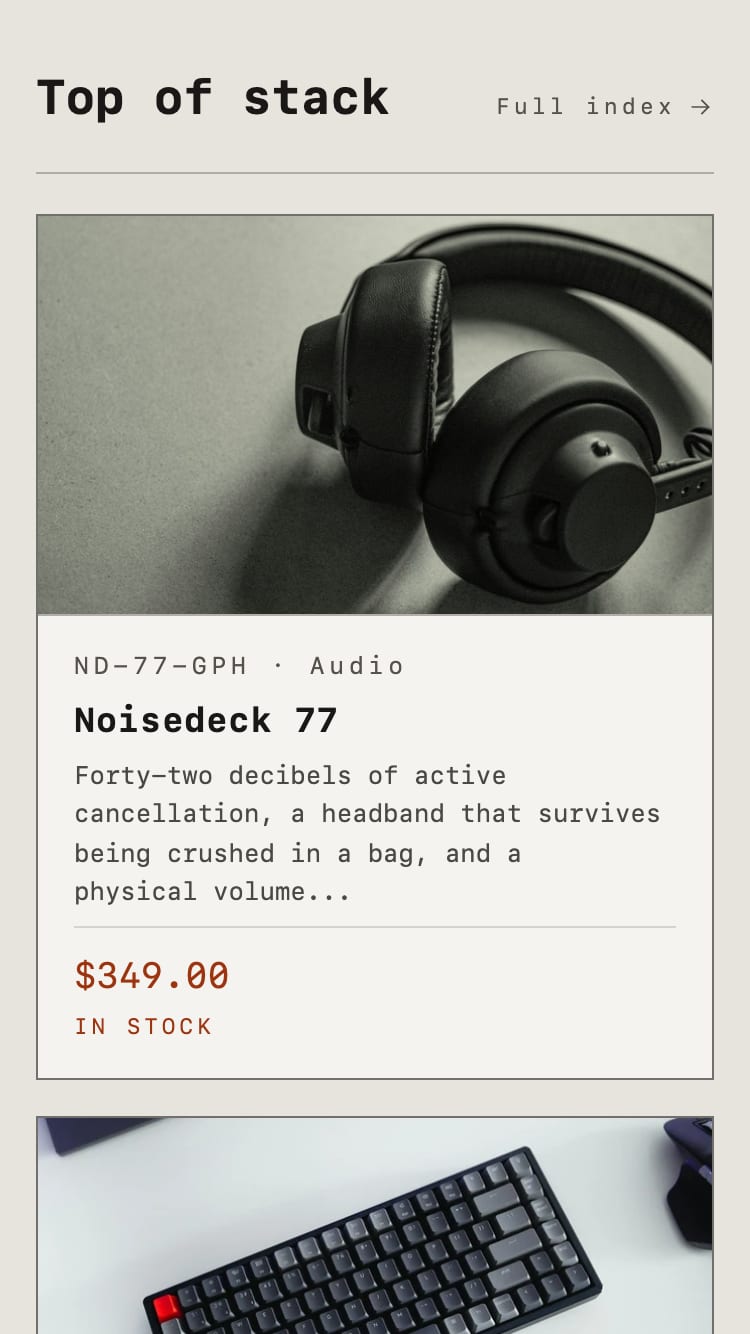
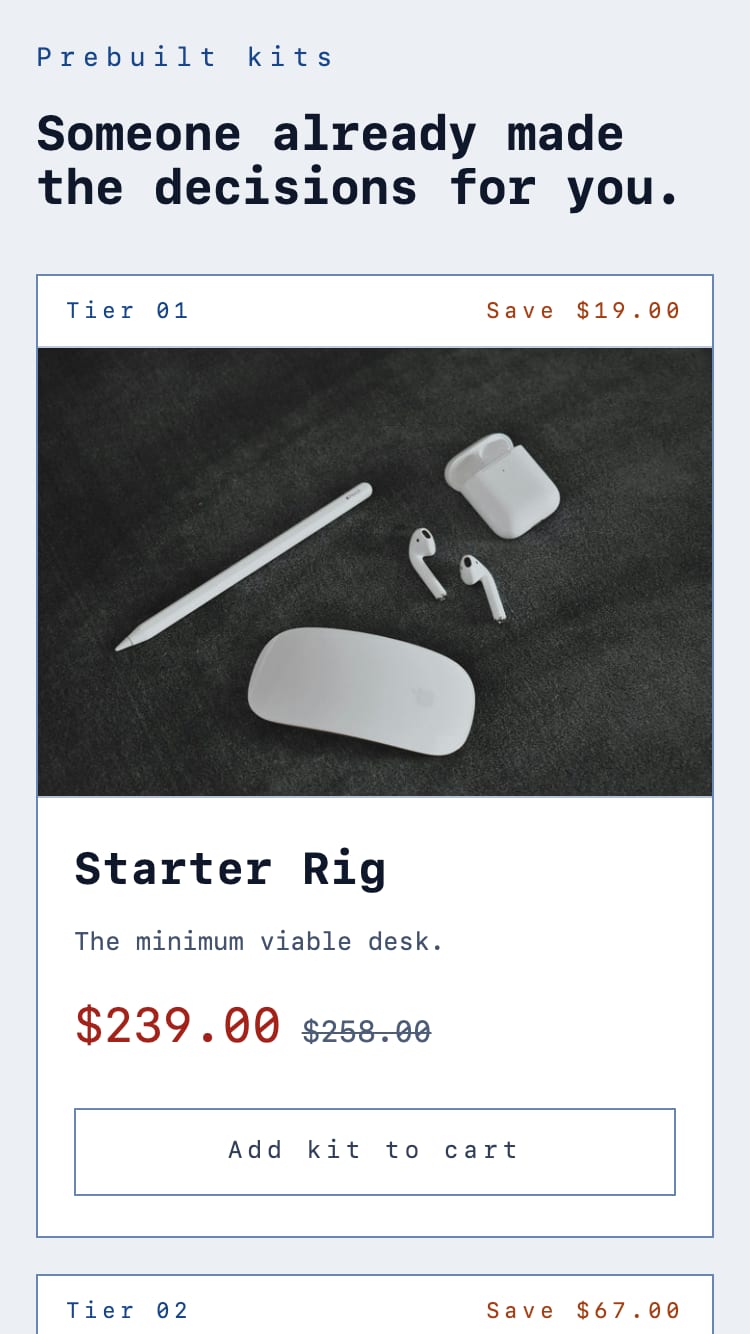
One theme, four color palettes.
Pick one in Theme settings › Colors. Change any single color to make an exception, and clear it to follow the palette again.
Switch at any time
The palettes are one setting, not separate installs. Colors you’ve changed stay when you switch.
Checked for contrast
Every palette meets 4.5:1 for body text and 3:1 for control borders and icons. Borders are mixed from the palette, so they hold that line when you switch.
Effects, if you want them
Scanlines, a drafting‑grid overlay, a boot sequence and a blinking cursor. Each is optional, and all of them stop for visitors who ask for reduced motion.
Four ideas explain most of the theme.
-
A color palette sets the colors
“Color palette” writes all ten colors at once. Change a single color to make an exception.
-
Pages are stacks of sections
Every template is a list of sections. Some, like the product page, hold blocks you can reorder.
-
Real store data, not typed‑in copy
The spec table, product count, stock labels, free dispatch messages and search tabs read from what you already keep in Shopify.
-
Fast by default
No web font has to download, and adding to cart, the cart page, filters and search keep working with JavaScript turned off.
Compact where it counts.
The shop name shares one row with the header buttons, the status strip stays on one line, and the featured product reaches the first screen.
What’s in the theme.
Everything below ships in version 1.0.0 and has its own page in the documentation.
Pages and sections
- Hero with up to four stats and a featured product panel
- Featured collection and Featured product
- Kits: prebuilt bundles, each with its own add‑to‑cart button
- Image with text, Rich text, Newsletter and Custom Liquid
- Page, contact, blog and article templates
Product page
- Built from blocks you can reorder
- Variant picker with swatches
- Stock label with a low‑stock threshold
- Spec table from the product’s own data
- Pickup availability, subscriptions, gift cards, 3D and AR
Collections and search
- Filters and sorting that update without a page reload
- Search suggestions as shoppers type
- Page numbers and clear empty states
- Filters and search still work with JavaScript turned off
Cart
- A cart drawer on every page, and a full cart page
- Quantities update as soon as they change
- Order note
- Free dispatch messages from one setting
Accessibility
- Palettes checked for WCAG contrast
- Cart, filter, search and variant changes announced to screen readers
- Focus returns where it was when a drawer closes
- Effects stop for visitors who reduce motion
Markets and languages
- Country and language selectors
- Prices in the shopper’s currency
- Right‑to‑left layouts
- Every storefront word editable, no code needed
At a glance.
- Version
- 1.0.0, released with the Theme Store listing
- Built on
- Shopify’s Skeleton theme, Online Store 2.0
- Color palettes
- Four in one theme: Techno, Dreamy, Blueprint and Monolith
- Default font
- The visitor’s system monospace, so no web font loads. Any font from Shopify’s library is one setting away.
- Without JavaScript
- Add to cart, the cart page, filters and search keep working
- JavaScript
- One deferred file, no dependencies
- Templates
- Home, collection, collections list, product, cart, page, contact, blog, article, search, 404, password and gift card
- Languages
- Translatable storefront text; right‑to‑left layouts
- Customer accounts
- New and legacy
- Support
- We reply within two business days, Monday to Friday, Australian Eastern Time
Documentation, support and release notes.
Documentation
Installing the theme, every section and setting, and notes for developers who extend it.
Support
Questions, bugs and setup help. We reply within two business days, Monday to Friday, Australian Eastern Time.
Release notes
What changed in each version of Techno, written for merchants. Current version: 1.0.0.
Techno
Sold only through the Shopify Theme Store. Each purchase licenses one store, under Shopify’s terms. How licensing works
Coming to the Shopify Theme Store